How to Turn a Photo into a Crochet Chart
A small chart has fewer places to show detail. Choose one clear subject, crop distractions before importing, and leave enough contrast between the subject and background.
Choose a useful starting image
A simple flower, a bold silhouette or a geometric motif is easier to recognize than a busy photograph. Start with an image you own or have permission to use. The generator accepts JPEG, PNG and static WebP images up to 20 MB and 25 million pixels.
Decide how much detail to keep
The width setting controls the number of stitches. Image height follows the image proportions, within the 300-row limit. More stitches can keep finer details, but they also make a larger piece. Begin with the Balanced 64-stitch preset and a small palette, then inspect the result.
Make the background intentional
Transparent pixels become stitches in the background color you choose. They are not holes or unworked stitches in this single-crochet mode. You can later use the background color with the erase tool.
Reduce the palette, then edit
Automatic reduction groups similar colors. It cannot know which detail makes your subject recognizable. Use the workbench to improve the outline, fill small isolated patches and merge colors you plan to make with the same yarn.
Check your swatch
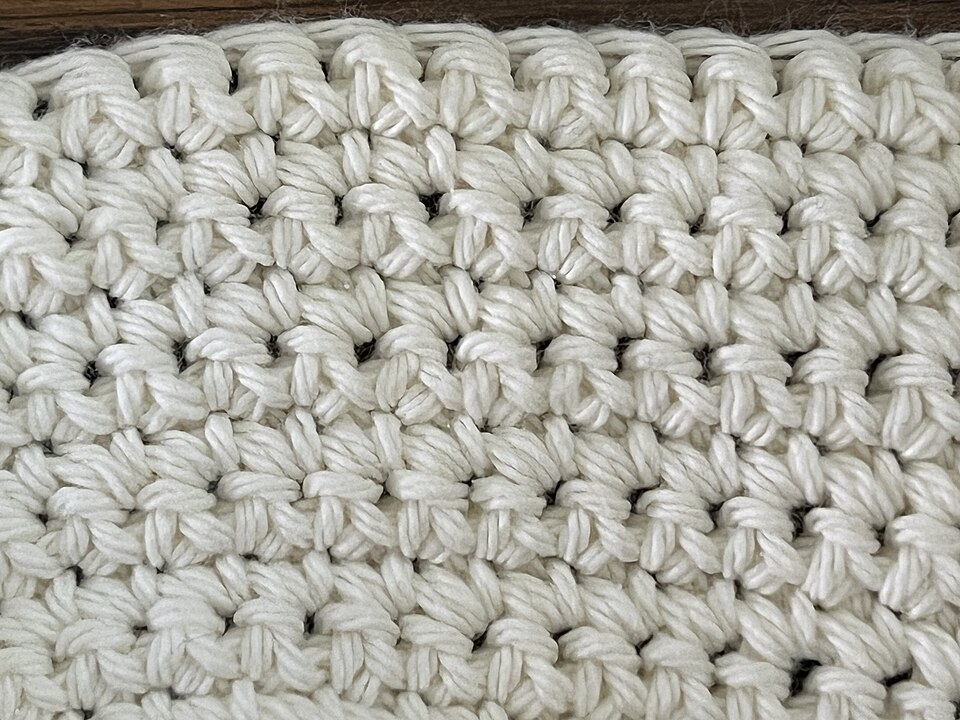
Enter the stitch count, row count and measured dimensions of a real swatch. The tool estimates finished dimensions from these values. Without a swatch, it reports stitches and rows rather than a precise physical size.
Single-crochet stitches are not necessarily square. Count and measure the width and height of your own swatch; a square on screen is a position in the chart, not a guaranteed physical square.
Save and print
Use a project JSON file for a portable copy. Sign in to save a private cloud project. Your original image stays on the device unless you separately choose to save a reference image. Print a color or symbol chart and keep the legend beside your yarn.
Questions about this crochet guide
What kind of photo makes a clear crochet graph?
Use one distinct subject with good contrast and a simple outline. Crop distractions and begin with a modest color budget. A busy photograph may need more stitches or manual editing; automatic color reduction cannot decide which small features make the subject recognizable.
Why did a small detail disappear when I converted my photo?
A stitch grid has fewer positions than the source photo. A narrow line or similar color can be lost during resizing and color reduction. Try a tighter crop, more stitches or a different palette, then repair important features in the editor before printing.
Does uploading a photo send the original image to the cloud?
Image conversion runs in your browser. The conversion tool does not upload the original image. If you separately add and save a reference image with an account project, that reference is stored privately for your project.