
Your image or name, ready to stitch
Create an editable crochet or cross stitch chart from your image or text. Choose the craft, refine the stitches and print a clear pattern to follow.
Free single-crochet charts. Edit and print without signing up.
Design a crochet chart
Start with a photo, text or a grid for drawing by hand.
Plan size and yarn
Use your measured swatch to plan dimensions, stitches and yarn.
Keep track as you crochet
Count rows, stitches and repeats as you work. Come back where you stopped.
Cross stitch tools
Make a picture, name or short message into a full-stitch chart. Choose DMC colors, check the fabric size and print for free.
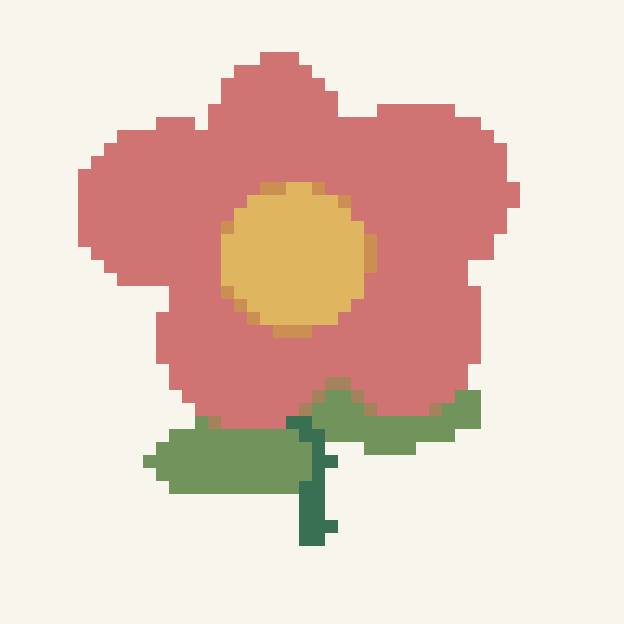
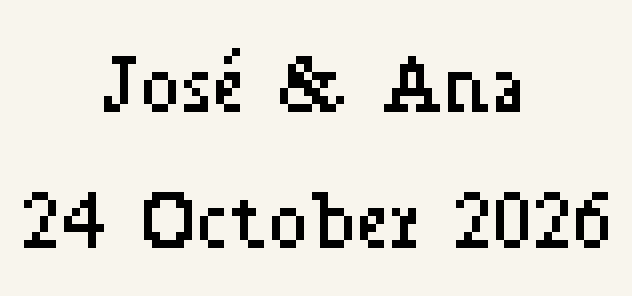
From an image to a printable crochet chart
Start with a simple image. Adjust the colors and detail, edit individual stitches, and print a chart to keep beside your yarn.
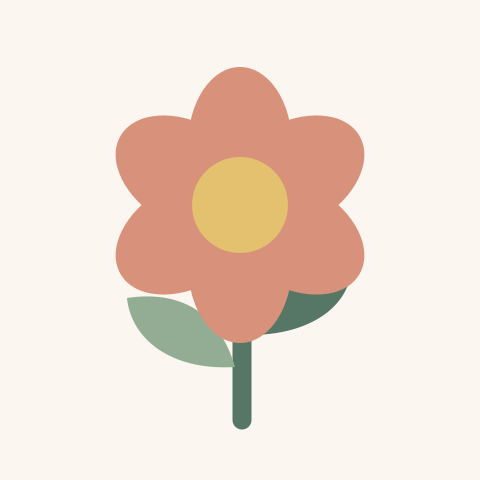
Your image
A clear shape is a good place to start.
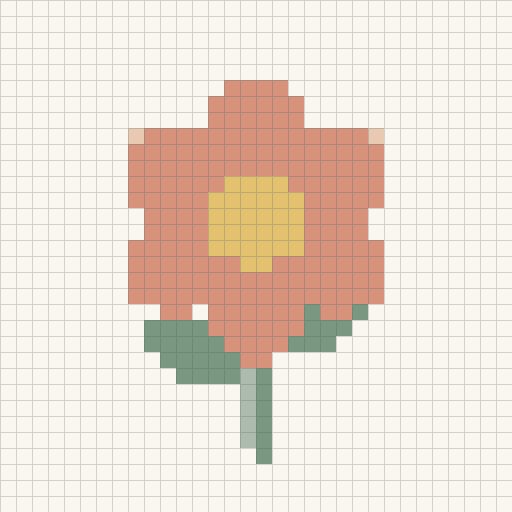
Your crochet chart
One square for each stitch.
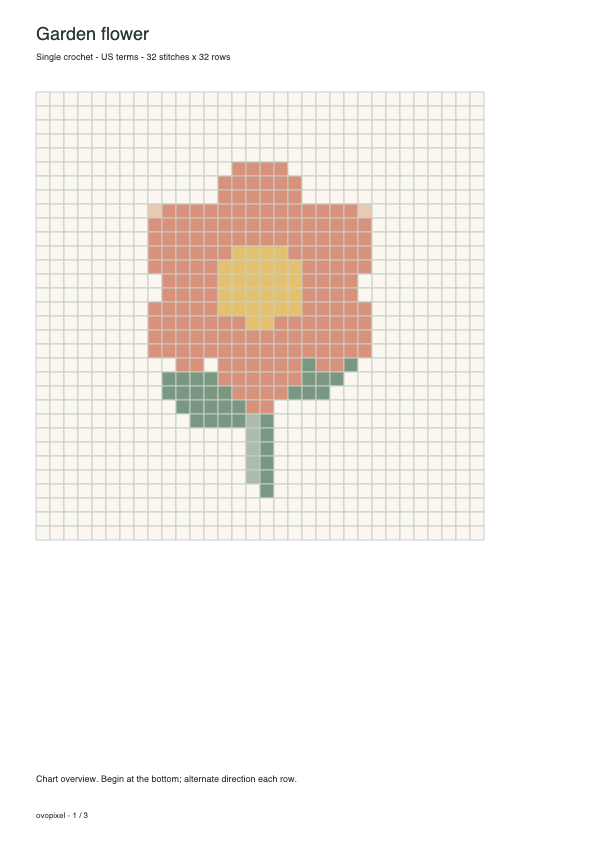
A pattern to print
A PDF with chart pages and a color legend.
Learn to read, plan and print your chart
Questions about Ovopixel crochet tools
What can I make with Ovopixel's crochet tools?
Create an editable single-crochet color chart from a photo, name or blank grid. You can also print blank graph paper, count rows and use your measured swatch to plan gauge, blanket dimensions or yarn. Each tool has its own page so you can start with the task you need.
Do I need an account to get started?
No. Open an original example or create a chart, edit its stitches and download PDF, PNG or project JSON without an account. Your local draft stays in this browser; account saving is a separate choice.
Which crochet tool should I use first?
Start with the graph generator to turn a photo or text into a chart, or print graph paper to draw by hand. If you already have a project, use the calculators to plan size and yarn, or open the row counter to track your work. You can start at any stage.
Does a generated chart include a complete crochet pattern?
It describes color placement and row sequences for rectangular flat US single crochet. Use your crochet instructions for starting chains, turning, shaping and finishing, and measure a swatch before relying on a finished-size estimate.