How to Turn a Photo into a Cross Stitch Pattern
Begin with one recognizable subject and decide how much work you want to stitch. A photo conversion is a starting chart: review the small details, thread colors and finished size before buying materials.
Crop to the subject
In the cross stitch pattern maker, upload a PNG, JPEG or WebP and crop away distractions. Start around 64 stitches wide. The height follows your crop, and both sides must stay within 300 stitches. A tighter crop can preserve a face or flower without making the whole piece larger.
Choose real thread candidates
Start with a color budget of 6–12 for simple artwork. More colors can improve a photograph, but also create more small color changes. If you want to use your stash, turn on Only use my DMC colors and enter the numbers. The result will not add thread numbers outside that list.
Keep empty fabric separate from white thread
A transparent source leaves unstitched squares. A white area inside an opaque image can use white thread. The fabric preview color is only a display setting. For an opaque background, use the editor to erase or remove a selected color after checking whether it also appears in your subject.
Check isolated stitches before cleanup
Confetti means small isolated stitches or color areas. They can be tiring to work, but an eye highlight or a narrow outline may need them. In Edit, select an area, protect important cells and preview cleanup. Compare the result and apply only when the change improves your design; Undo restores the previous version.
Translate stitches into fabric size
An 84 × 56 grid on 14-count Aida over 1 is 6 × 4 inches. Add 2 inches on every side and the cut fabric becomes 10 × 8 inches. Fabric count changes physical size; it does not add detail to the chart. Larger chart dimensions add stitches and work.
Review the file you will stitch from
Open Print, choose A4 or Letter and compare the color-symbol and black-and-white previews. Check the thread key, center marks, page locations and repeated pale edge bands. A repeated band is a reference, not extra stitches. Download the editable project as a backup.
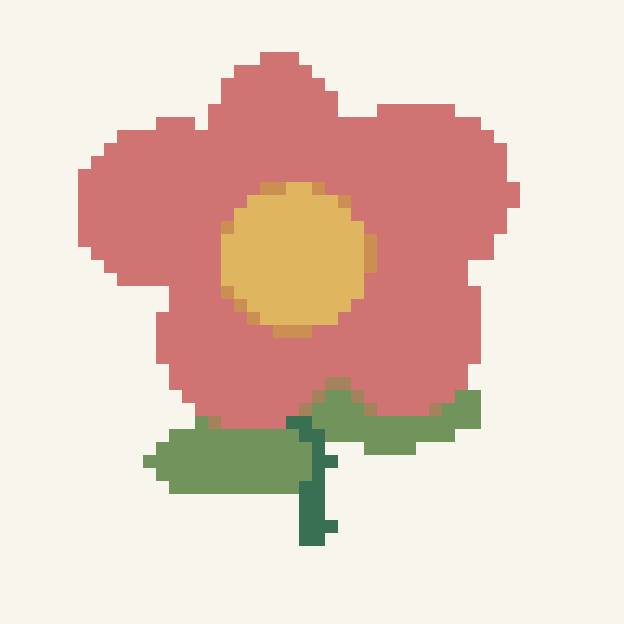
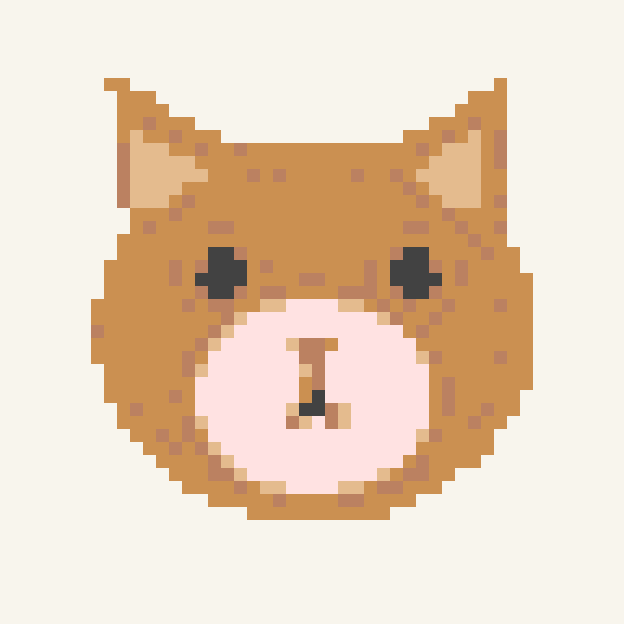
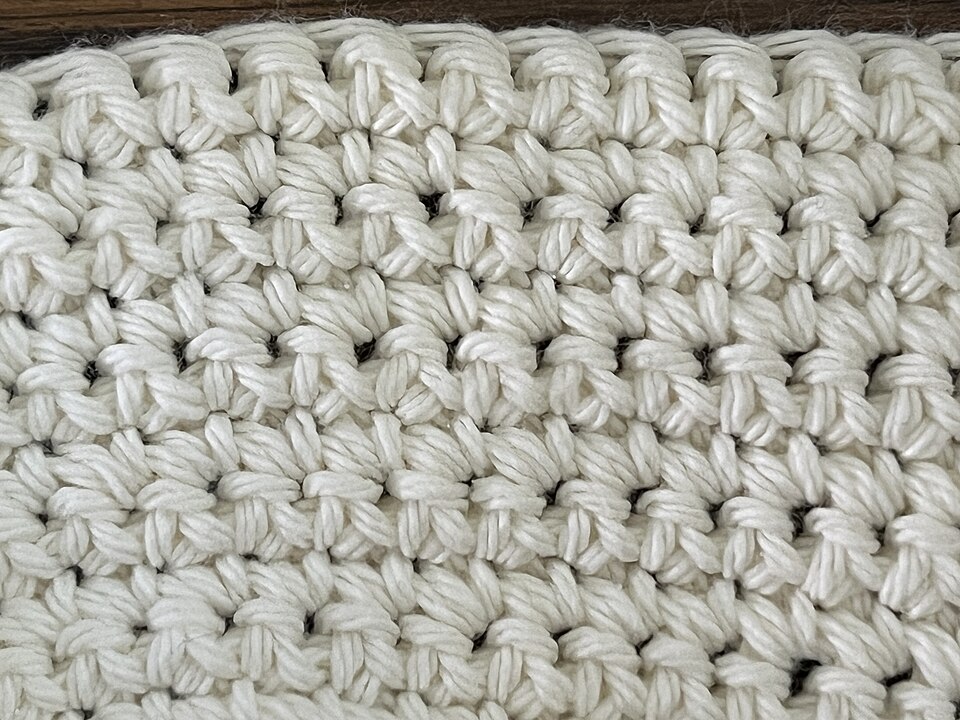
The examples below use original illustrations and an attributed CC0 photograph. The fabric photo is an input study, not a stitched result. Each download contains the chart shown.
Photo conversion questions
How many colors should a photo pattern use?
Start with a modest budget and compare. Simple artwork may need only a few colors; a photograph can need more. Extra colors can preserve detail but may create more isolated stitches. The editor supports up to 32 colors.
Does every isolated stitch need to be removed?
No. Highlights, punctuation and fine details can be intentionally isolated. Protect important cells and compare the cleanup preview before applying it.