
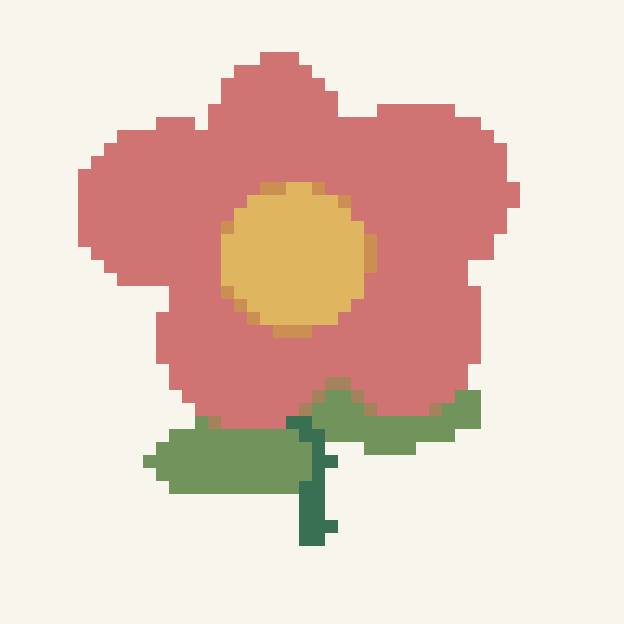
Transparent wildflower
A transparent source with opaque pale petals. Empty squares remain unstitched.
48 × 48 squares · 792 stitches · 6 colors
 OvO Pixel Cross Stitch Pattern Maker
Make a cross stitch chart from an image or blank grid. Choose your thread colors, check the finished size and print a pattern you can follow.
Transparent areas stay unstitched. Opaque white can become white thread.
Higher values leave more partly transparent edge squares unstitched.
Import an Ovopixel project JSON, up to 2 MB.
Count is fabric threads per inch. Aida usually uses over 1; 28-count over 2 has the same stitch size as 14-count over 1.
Fabric color is a preview. Blank squares stay unstitched. Extra fabric does not add stitches.
Free PDF, PNG and editable project. No sign-up needed. Full cross stitches only.
These previews and downloads come from the same full-stitch chart data used by the editor. They are simulated charts, not photographs of finished cross stitch.
A transparent source with opaque pale petals. Empty squares remain unstitched.
48 × 48 squares · 792 stitches · 6 colors
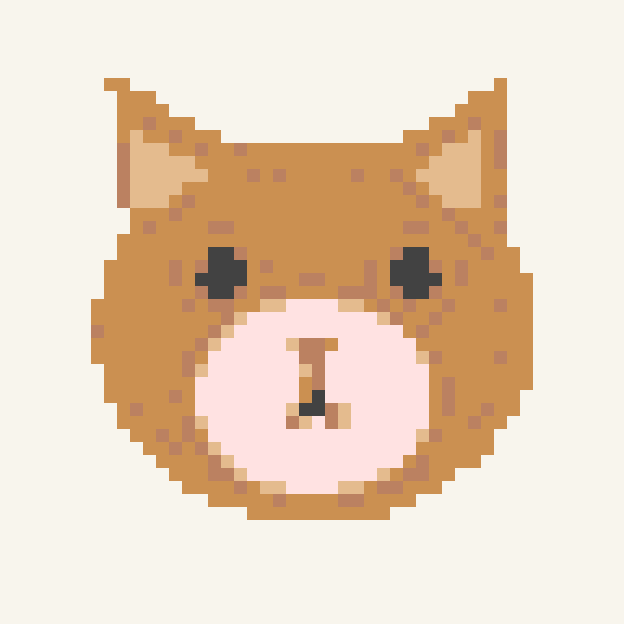
A small original drawing, limited to six colors from a selected DMC palette.
48 × 48 squares · 890 stitches · 5 colors
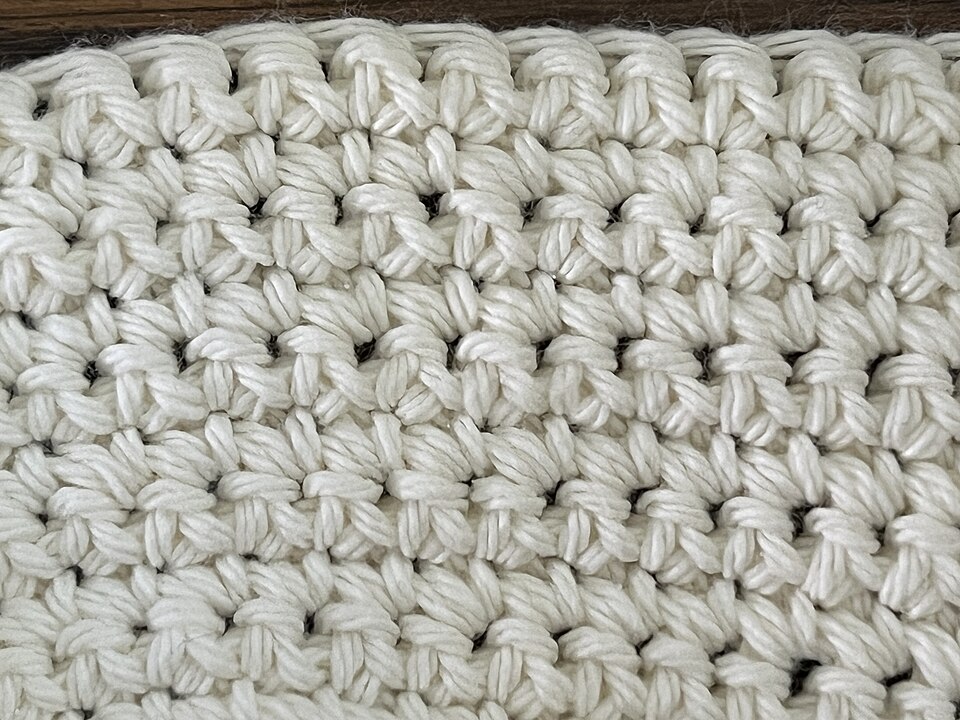
A CC0 photograph of crochet fabric demonstrates how a busy photo becomes a stitch grid. This is not a finished cross stitch.
64 × 48 squares · 3,072 stitches · 12 colors
DMC screen color data adapted from MakeBead, CC BY 4.0. Fonts: Classic and Serif. Sample source credits.
Turn a photo, drawing or pixel image into a rectangular full-cross-stitch chart. Choose a DMC thread budget, preserve transparent squares and check the finished size before buying fabric.
The editor lets you correct individual stitches, replace thread colors and preview isolated-stitch cleanup. Small highlights can be intentional: protect them and compare the result before applying changes.
Yes. Create, edit and download PDF, PNG and editable project files without an account. Sign in only when you want private cloud saving.
Yes. Upload the photo, crop around a clear subject and choose chart width and DMC colors. Review small details and edit the result before starting. A small chart cannot preserve every feature of a complex photo.
Yes. Select Only use my DMC colors and enter the color numbers. The generated pattern will use only those candidates and stay within your chosen color limit.
Transparent squares remain unstitched. Opaque white is separate and can use white thread. The fabric preview color does not add a thread color or stitches.
Enter fabric count and whether each cross stitch goes over one or two fabric threads. The tool shows chart area, stitched motif area and cut-fabric size with your extra margin.
The current PDF is designed for paper printing. Pattern Keeper import has not been verified. Keep the editable project file as your independent backup.